3D printers · Software · Remote
Software for 3D printers.
Control programs, drivers and firmware, monitoring and print farms – done remotely. Try our own control panel right on this page: it runs a simulated printer.
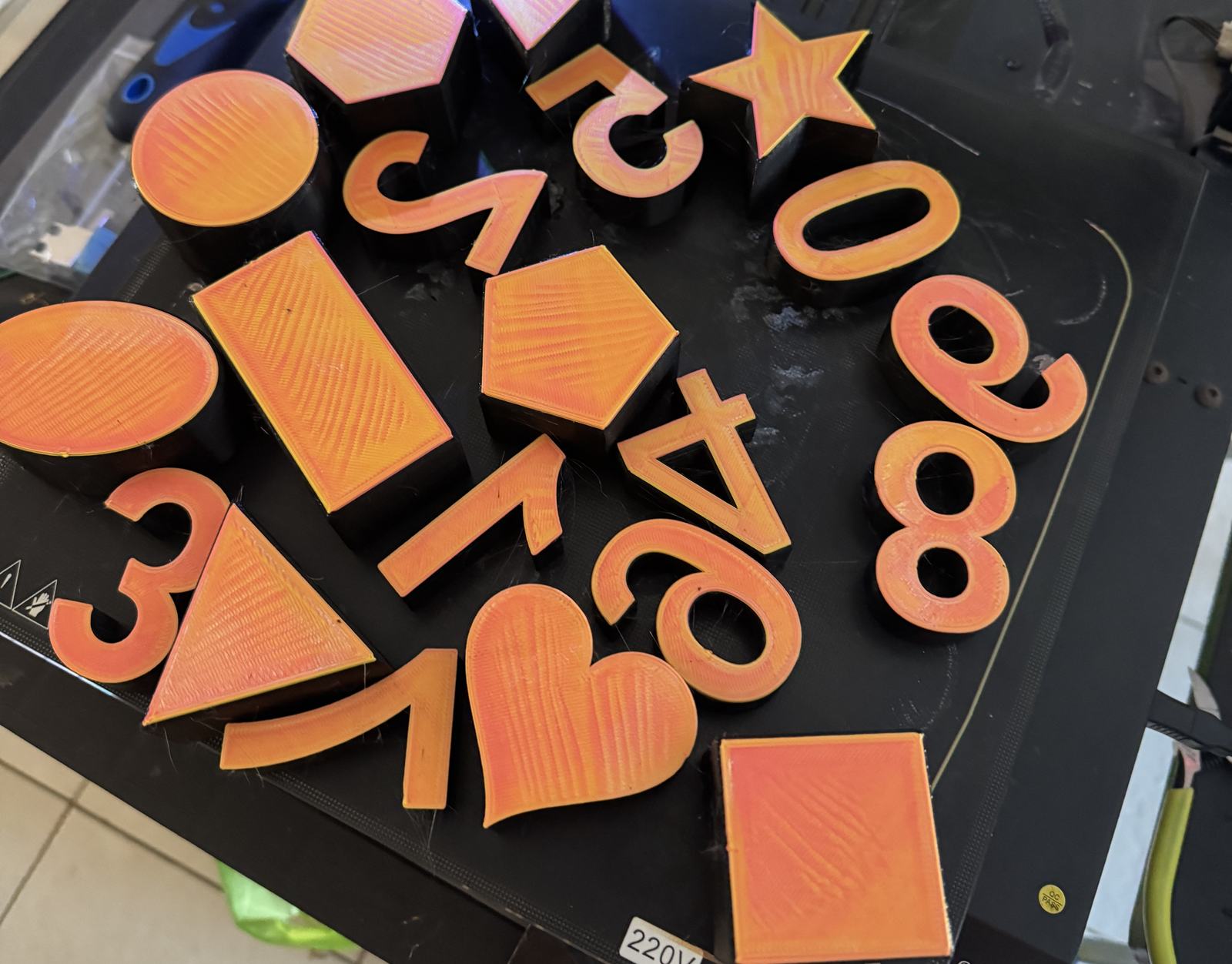
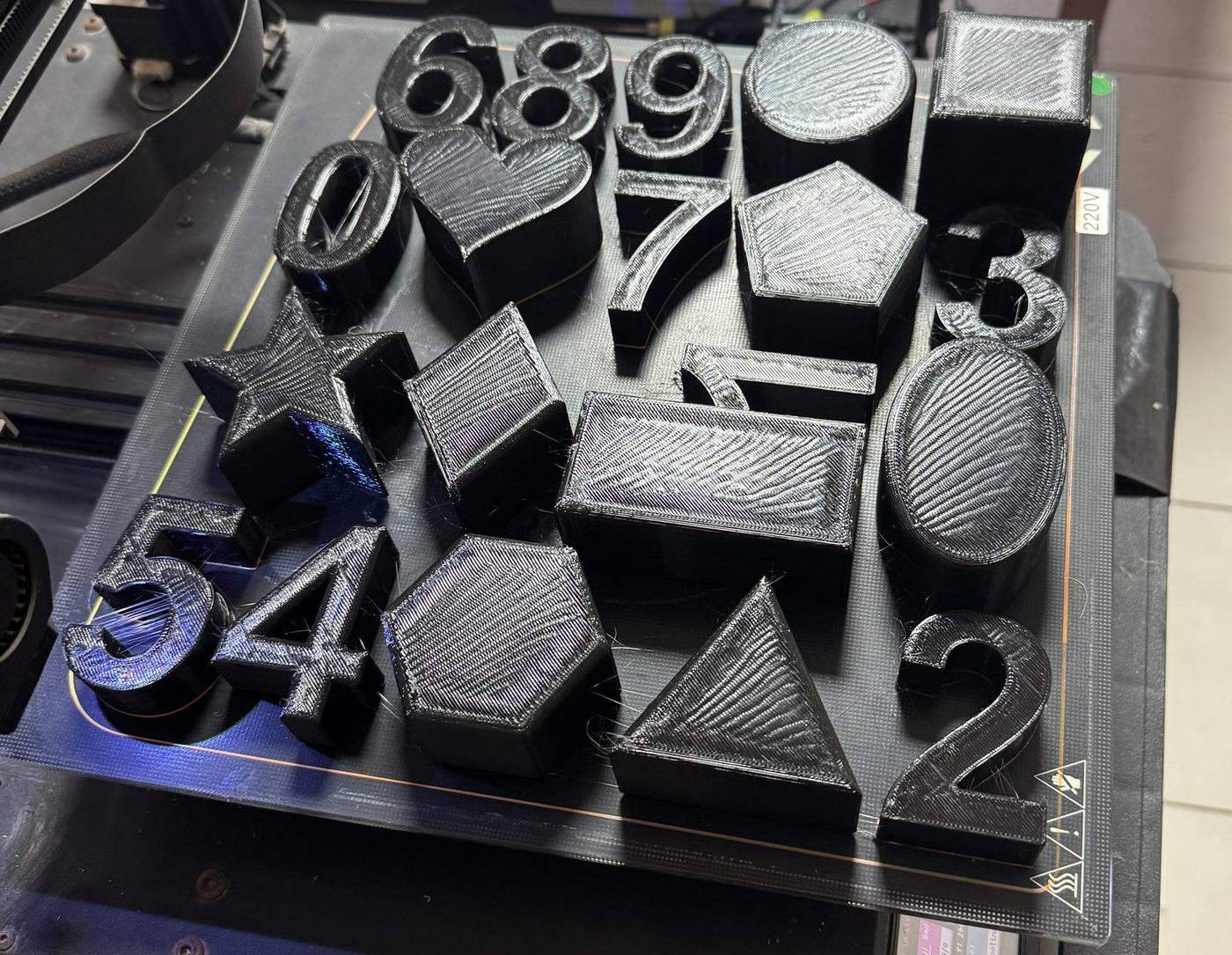
The Artillery Sidewinder X1 had no full control from a computer. We built our own driver and control software: it runs the printer from the computer and prints large arrays, including sets of letters across the whole bed. It has a control panel and an interactive emulator.
What we make
We do not offer printing of parts – only the software and the electronics side.
- Control applications for different printer models – desktop and web
- Drivers and firmware; restoring the connection and compatibility with the operating system
- Setup, changes and integration of Klipper, Marlin, OctoPrint, Fluidd, KlipperScreen and Bambu Lab MQTT – within technical possibility and access rights
- Job monitoring, queues, telemetry, reports, remote access, G-code automation
- Several printers at once: print farms and links to business processes
- Changes to special rigs – glue dispensing, extrusion systems, new controllers – when the task is software
- Simulators and emulators of real hardware, for development and testing without buying every model
Control the printer yourself
Connect, home, move the axes, heat the nozzle and the bed, start a test print. The safety rules are the same as in the real panel.
Simulator – no real printer is connected. Simplified version of our control panel for the Artillery Sidewinder X1.
Real prints
Not a render: photos of the printer bed after real jobs run by our control software.
How remote work goes
The printer stays with you. Every step with real movement or heat happens with your operator present.
- 01
Description
You describe the problem and send the documentation, error logs, board model and firmware version.
- 02
Access
By agreement you install our diagnostic agent on your computer that is connected to the printer, or give agreed remote access.
- 03
Diagnosis and work
Diagnosis, a backup of the settings, development and tests – on a simulator first, when possible.
- 04
Safe tests
Tests with real movement and heating only with an authorised operator on site, working interlocks, temperature control and an emergency stop.
- 05
Handover
Software, sources under the contract, instructions and acceptance tests.
Have a printer that needs better software?
We reply by email with questions or a plan for the diagnosis.